-2.format-1500w.png)
What is it for?
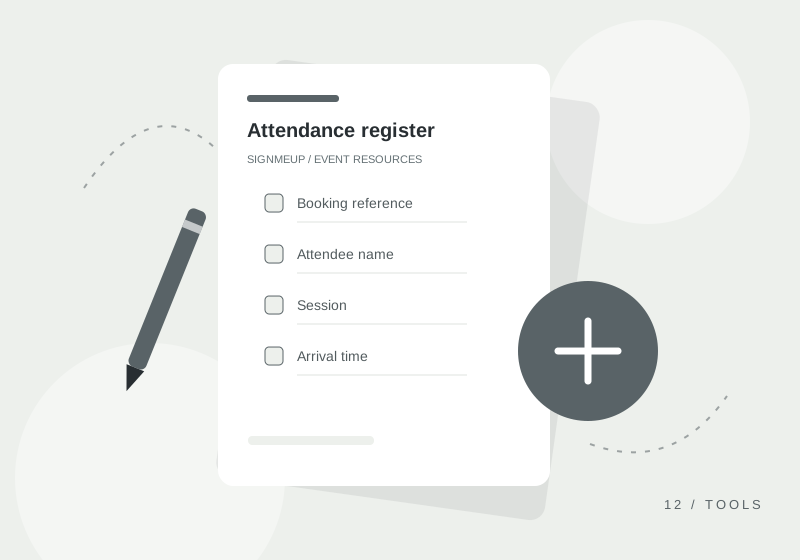
Keep a clear record of who has arrived and left each event session. This register separates the information needed at the welcome desk from more detailed registration records.
Use a separate register for each day or session. A team member should maintain it at check-in and reconcile it before closing. For children, use your organisation’s verified collection procedure alongside the register.
How to use this template
- Add the event and session, then prefill attendee names or booking references if useful.
- Keep the register with the check-in team and mark arrivals as they happen.
- Record departures and the staff initials needed for accountability.
- Reconcile the session and store the completed register securely.
What’s included
- Booking reference
- Attendee name
- Session
- Arrival time
- Departure time
- Staff initials
- Follow-up reference
Make it your own
Open the Excel workbook in Excel or import it into Google Sheets. Read the setup notes, then adapt the rows to your event. The CSV is a plain data version; the PDF is laid out for printing.
These templates are free to use and adapt within your organisation. Remove fields you do not need and keep completed records in an appropriate, secure location.